Authorization
Sign in to the Flexim admin panel, recover access, and understand the authentication steps required to open a workspace.
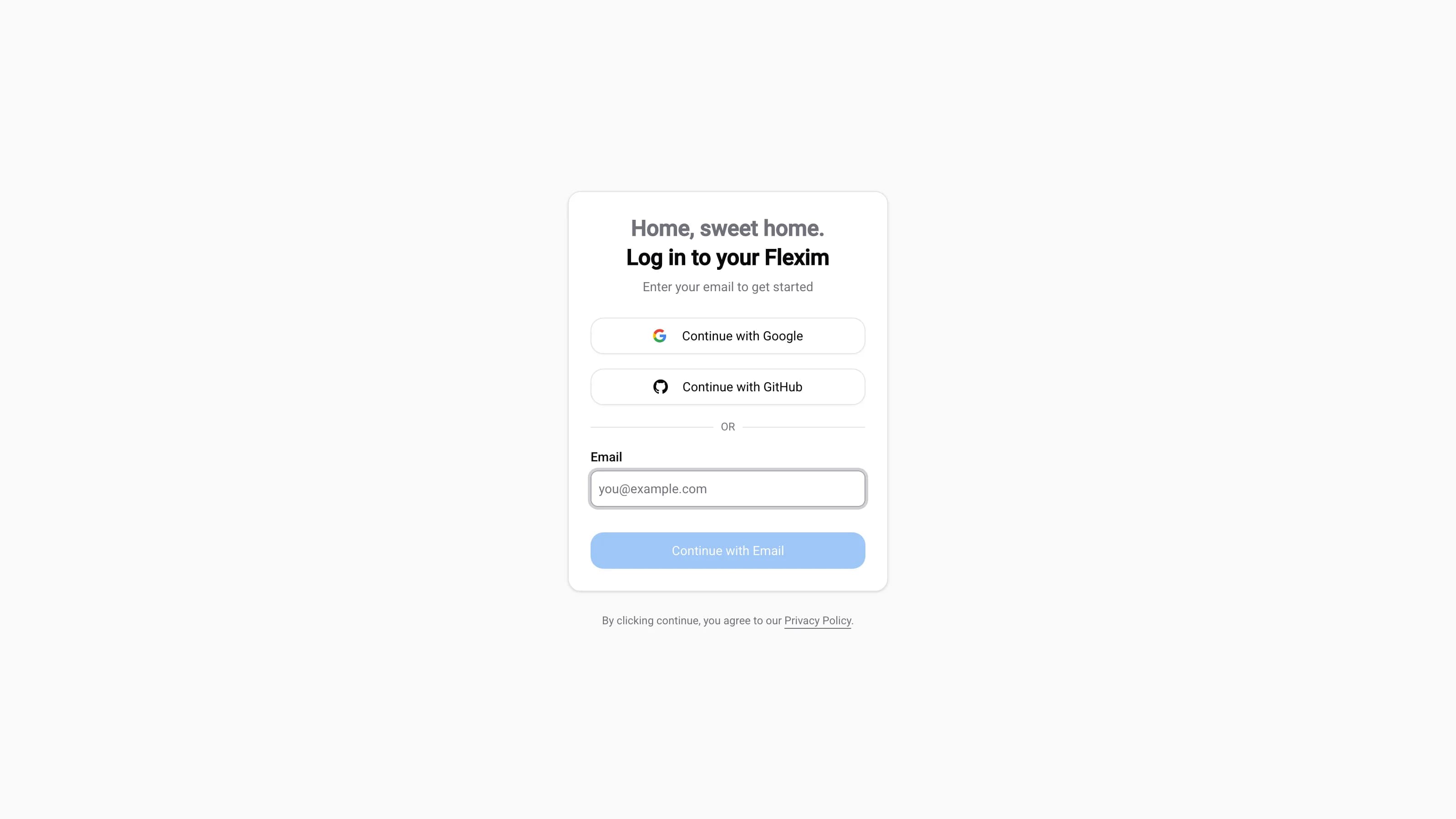
To access the admin panel, you need to:
- Open the authorization screen.
- Choose how to sign in:
- Continue with Google or Continue with GitHub to sign in with your social account, or
- Enter your email address and click
Continue with Email.
- If you signed in with email, enter the 6-digit code we send to your inbox. Once verified, you will be transferred to the Dashboard.
No password to remember
Flexim uses a passwordless, email-first login. Instead of a password you receive a one-time 6-digit code that expires in 15 minutes. Social sign-in with Google or GitHub works the same way — no password required.
Authorization error
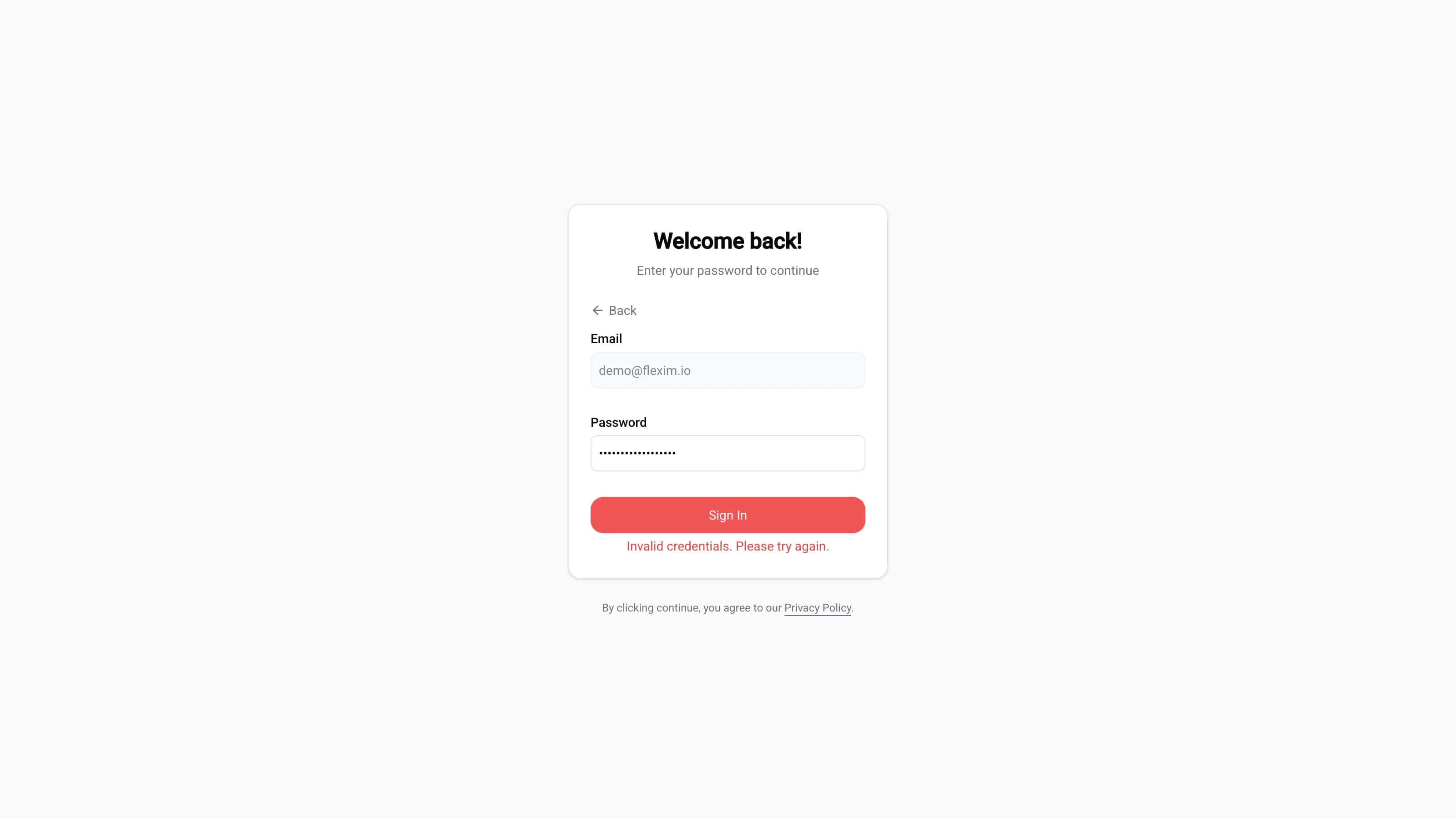
If the login fails — for example, you enter the wrong code or the wrong password — the submit button turns red and an error message appears just below it. Correct the value and try again, or use the Back link to start over with a different email.
Read more on this topic