Dashboard
Navigate the Flexim dashboard, review recent topic suggestions, open quick links, and move between workspace resources.
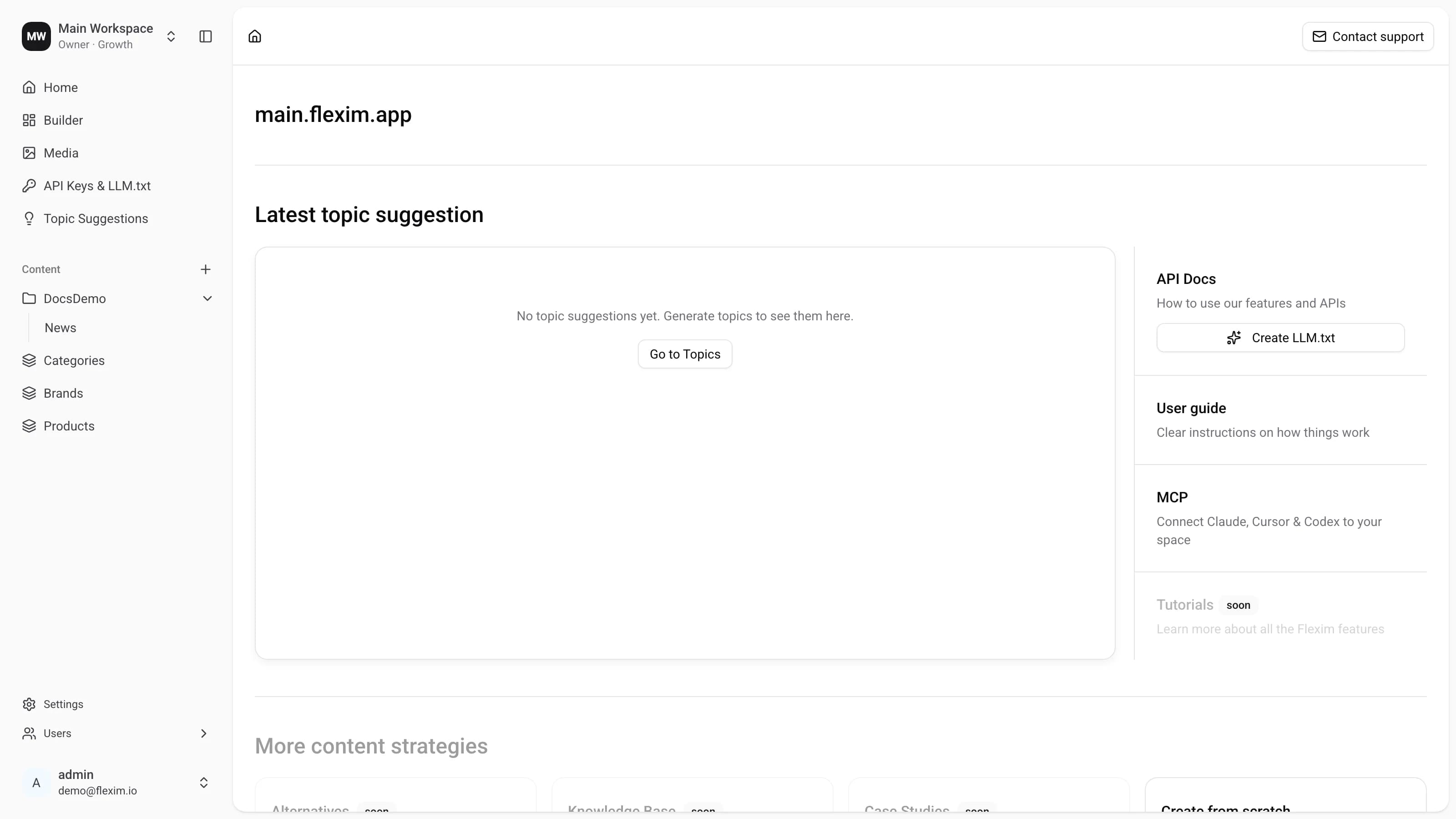
Home is the first page you see after Authorization. When you first connect a website, it opens the research chat: choose the site and market, follow the analysis, then take your ready topics into an AI agent. See Generating topics for the walkthrough.
After onboarding, the dashboard gives an overview of your workspace and quick access to its resources, including Latest topic suggestions and Quick links.
Latest topic suggestions shows every visible topic created by your most recently completed generation run in a fixed-height, scrollable table. A generation that is still running, was stopped, or failed does not replace the last completed result. Older workspaces continue to show their three latest topics until a new generation run completes.
Select Open research in the header to reopen the saved chat behind that batch, with its original website and market. This action is available for runs that have saved research context. Selecting a topic opens its detail page instead.
The Quick links panel on the right gathers the shortcuts you use most often:
- API Docs — how to use Flexim features and APIs, plus a shortcut to generate your
LLM.txt; - User guide — clear instructions on how things work (the guide you are reading now);
- MCP — connect Claude, Cursor and Codex to your workspace;
- Tutorials — deeper walkthroughs of Flexim features (coming soon).
Below the panel, the More content strategies section offers ready-made starting points for building out your content, or you can create a scheme from scratch.
How to open
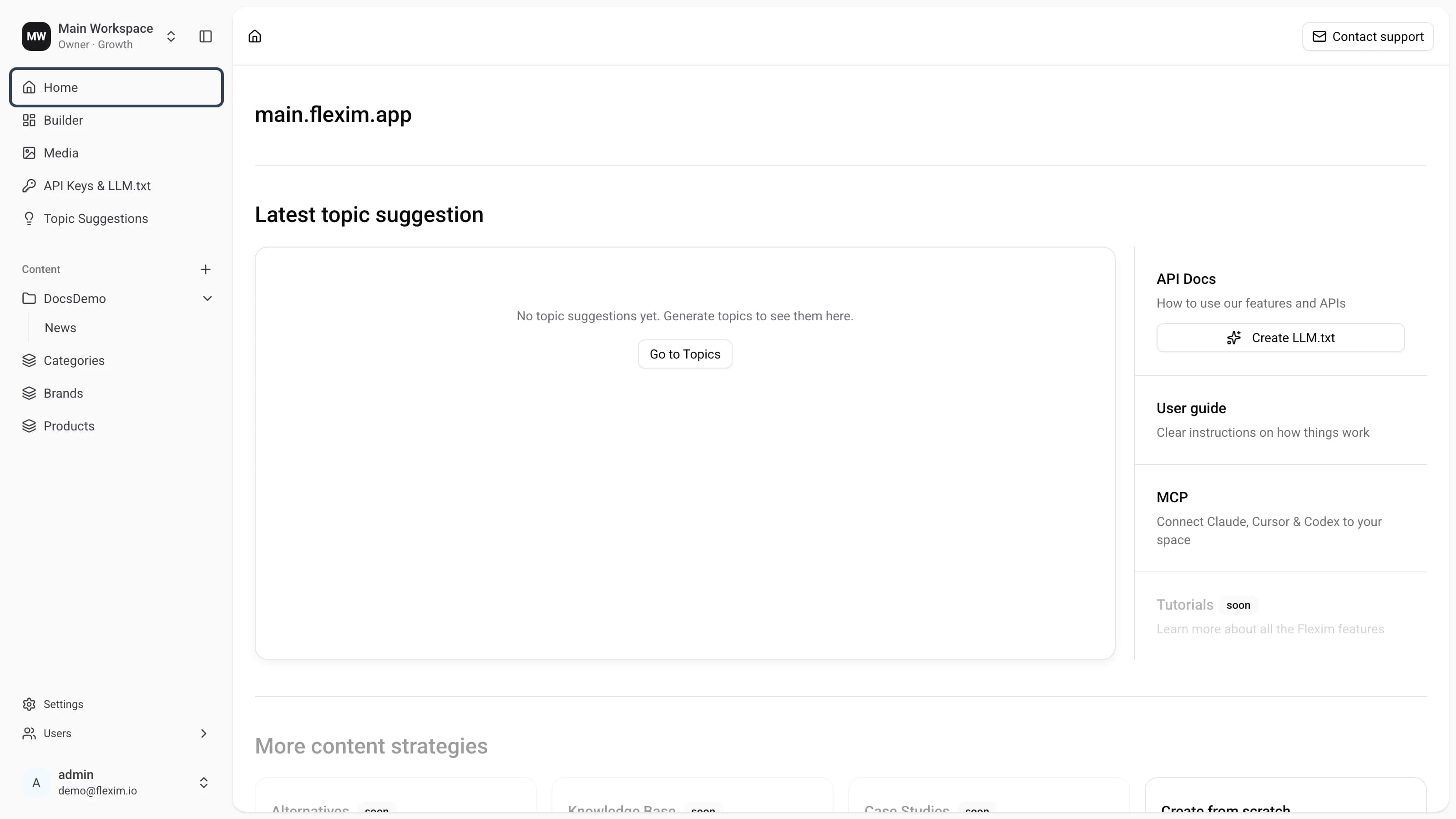
You can return to the dashboard at any time by clicking Home in the left sidebar.
Read more on this topic
Read next topic — Scheme builder