Scheme creating
Create a Flexim content type in the Builder, choose a collection, single page, or component, and define its initial fields.
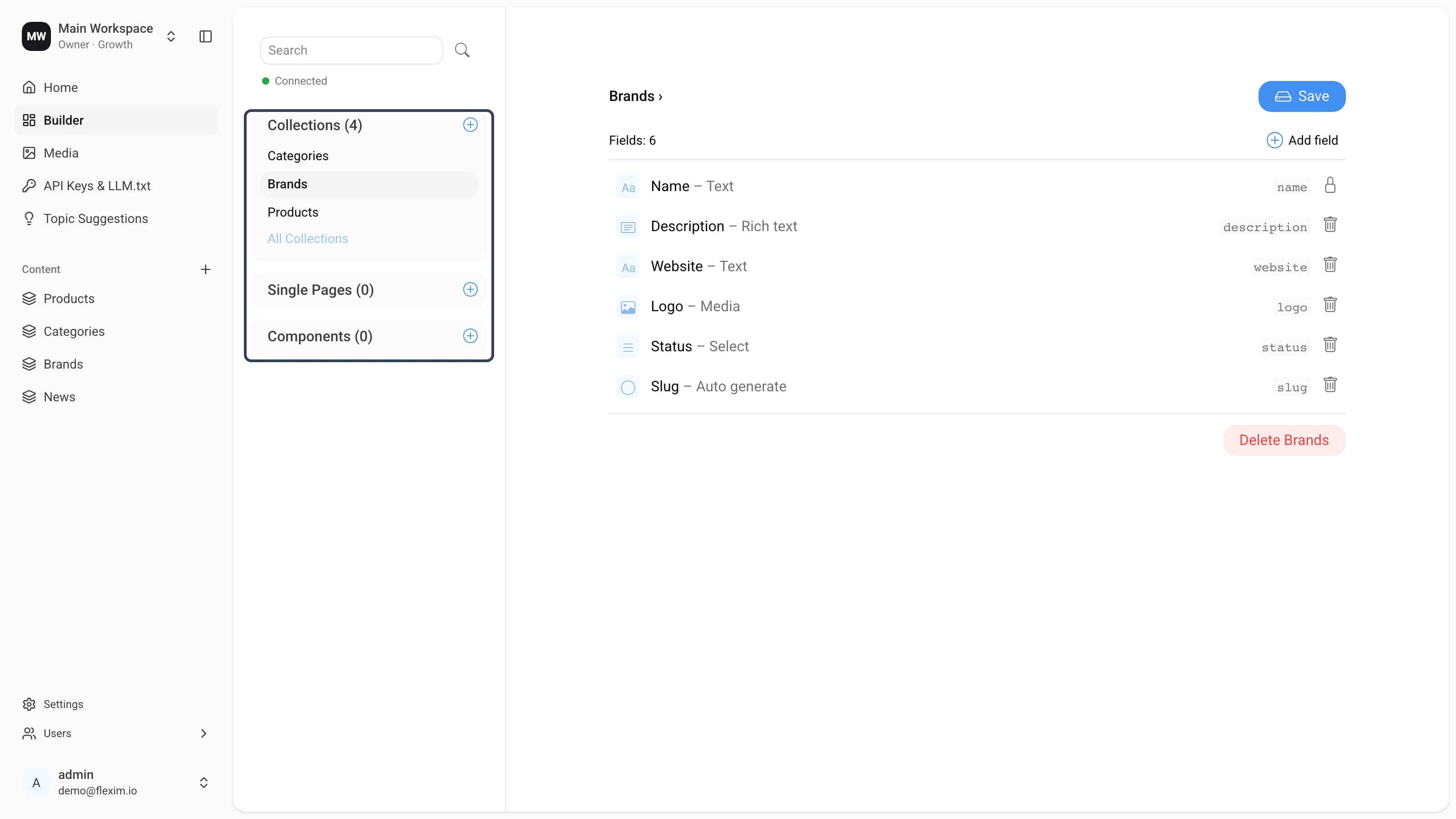
The Builder lets you create new Content-types (schemas): collections, single pages, and components. They are grouped in the content-type panel under Collections, Single Pages, and Components; selecting one shows its field list on the right. Components do not exist on their own; they are always nested inside collections and single pages.
Creating a collection
-
In the content-type panel, click the
+button next to the Collections group header.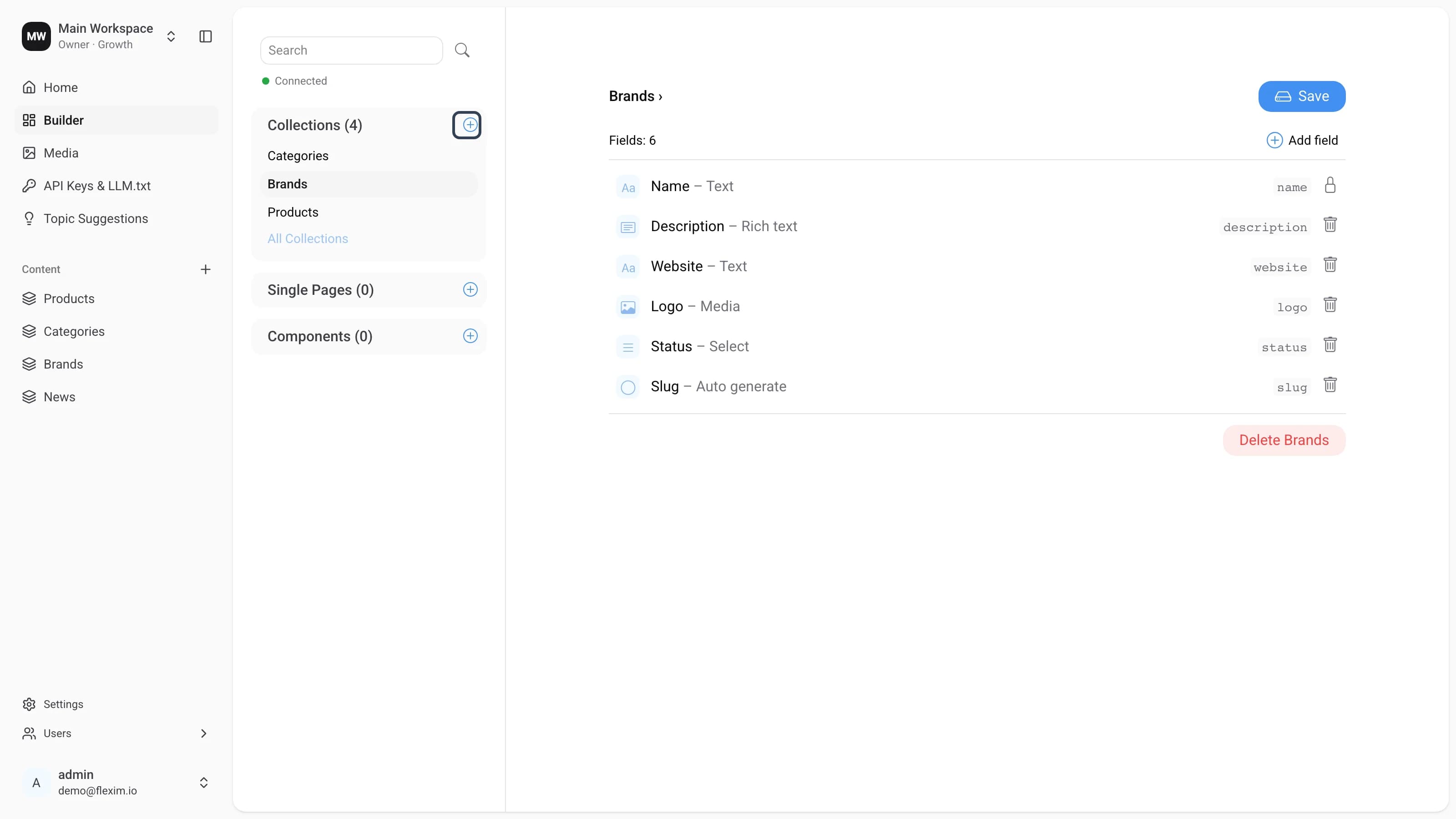
-
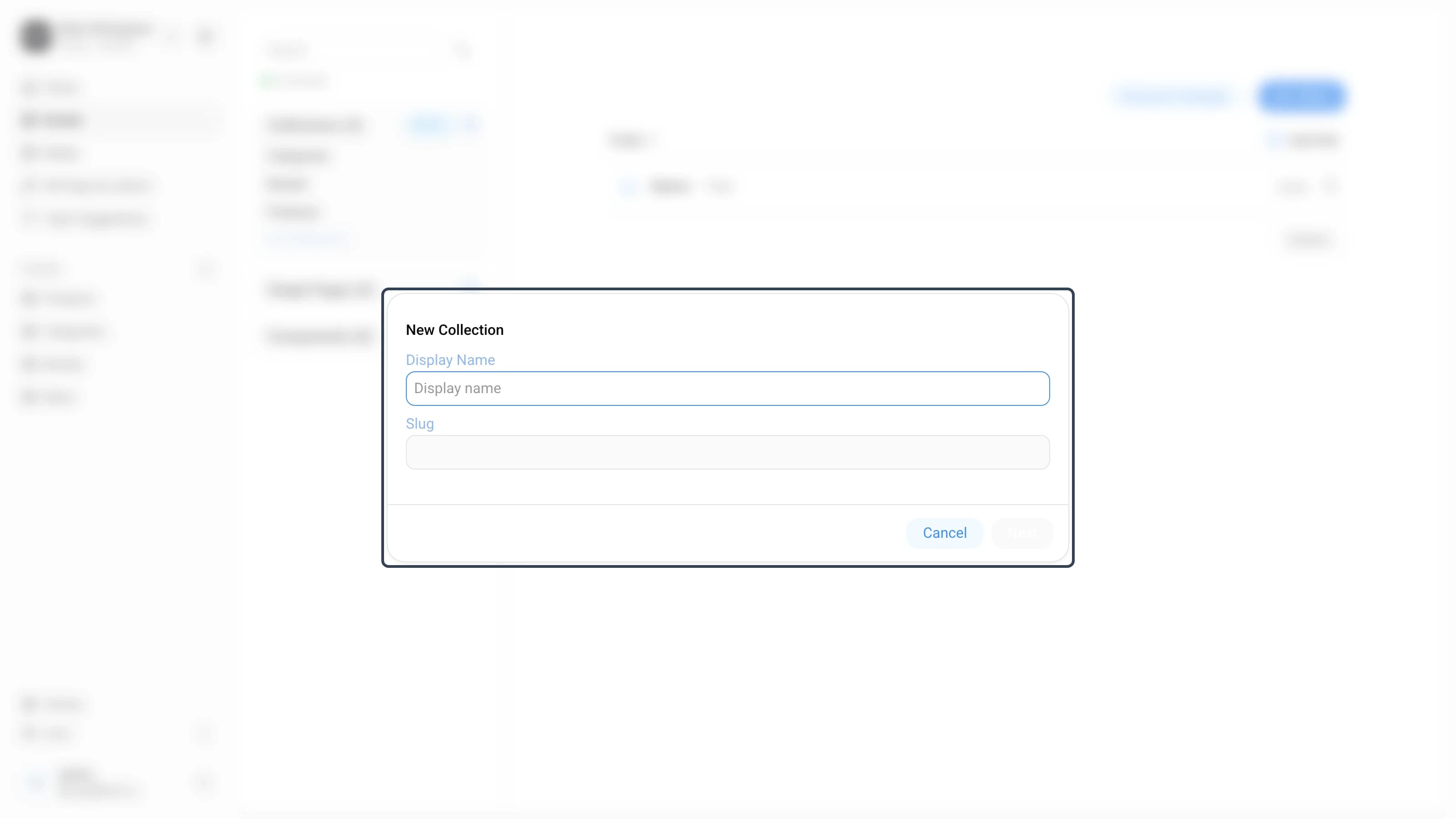
The New Collection dialog opens. Enter a Display Name — the Slug (database name) is generated automatically from it.
-
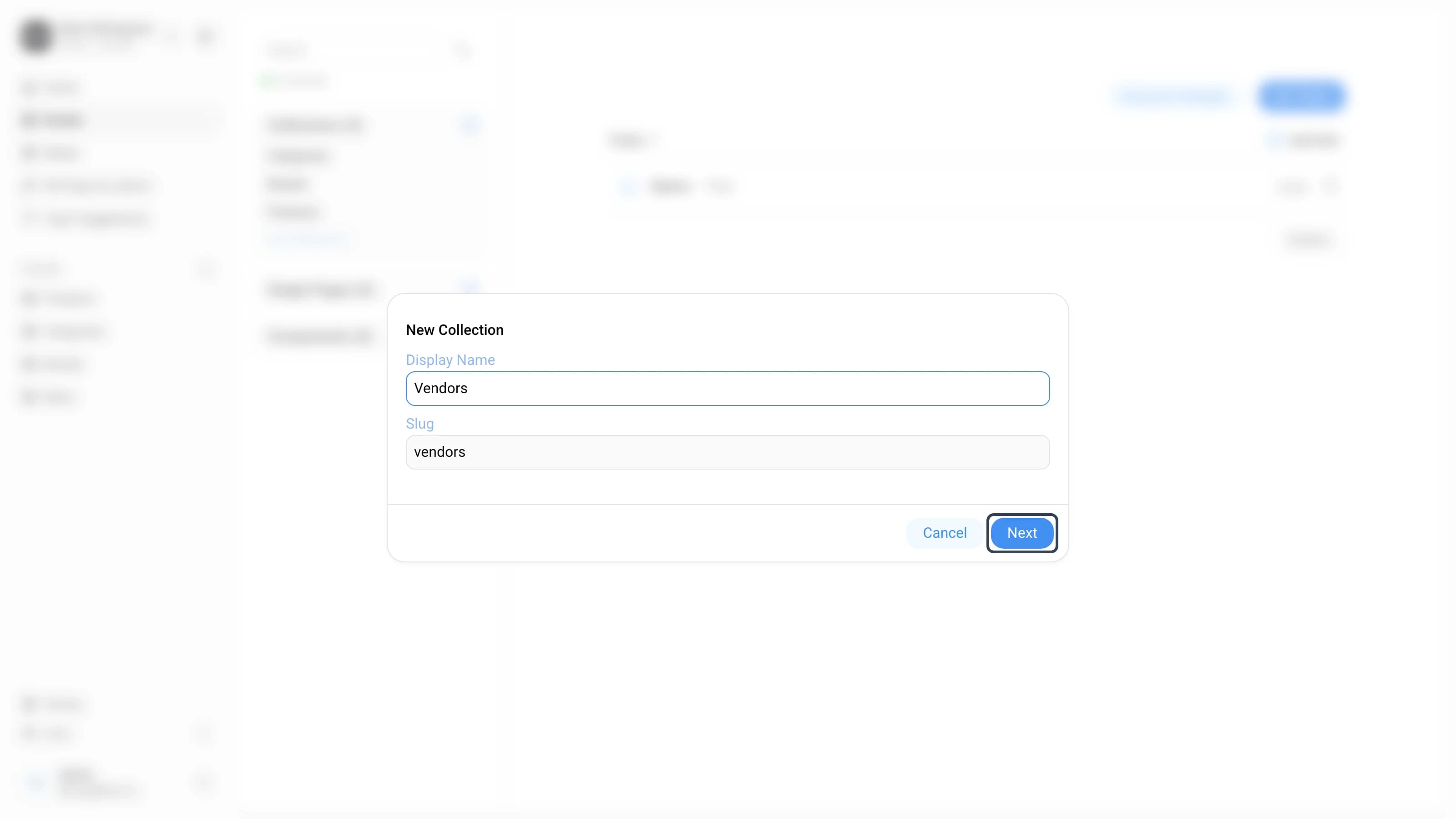
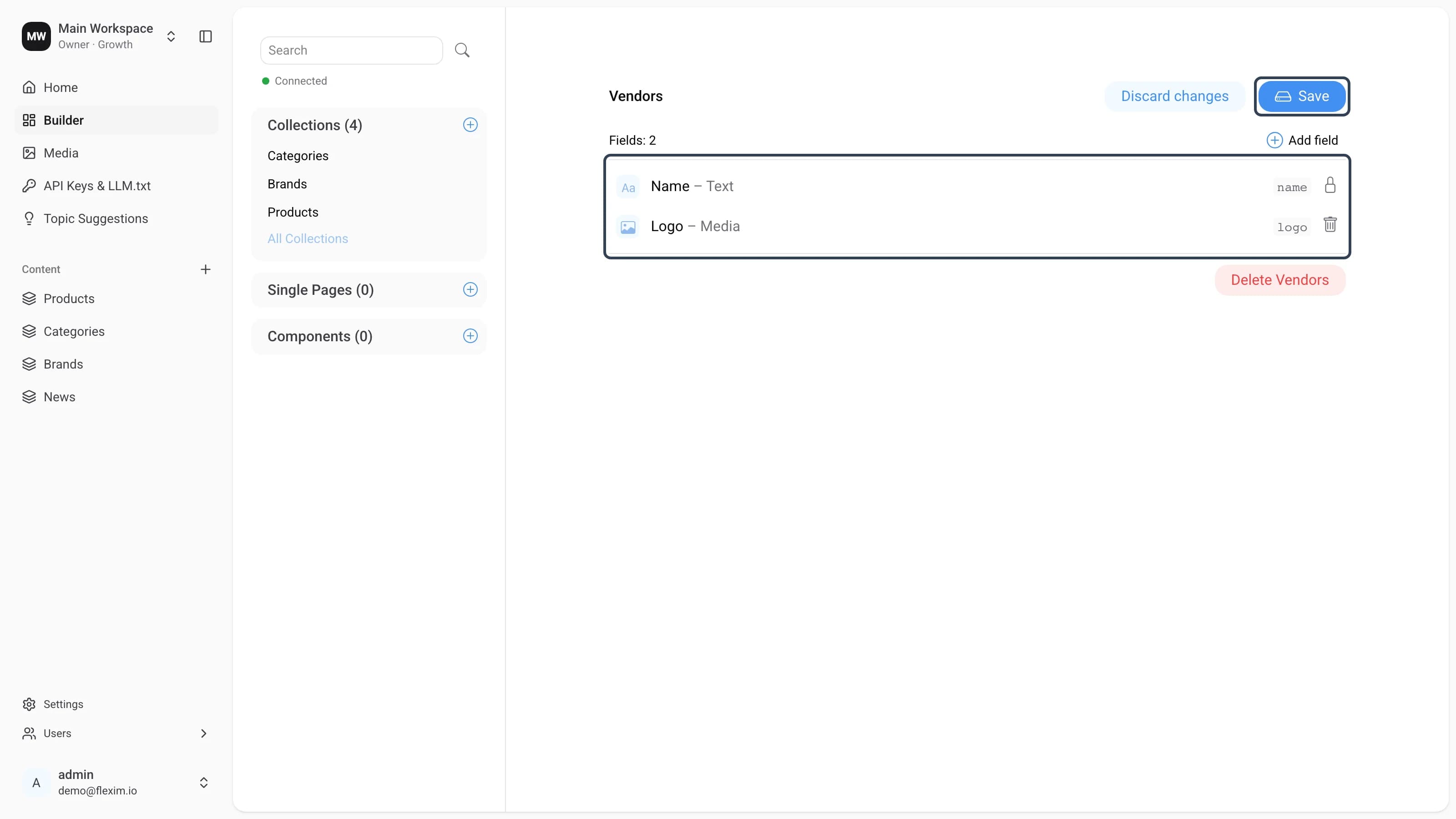
Click Next. The collection opens in the editor with a preset, required Name field, and the Choose field type picker appears so you can add the next field.
-
Add the fields you need with Add field, pick a type, and adjust its settings (such as Required field). Read more in Setting up fields. When the schema is ready, click Save. The active Save button and the Discard changes control indicate unsaved changes; once saved, the collection appears in the panel and is ready for content.
Creating a single page or component
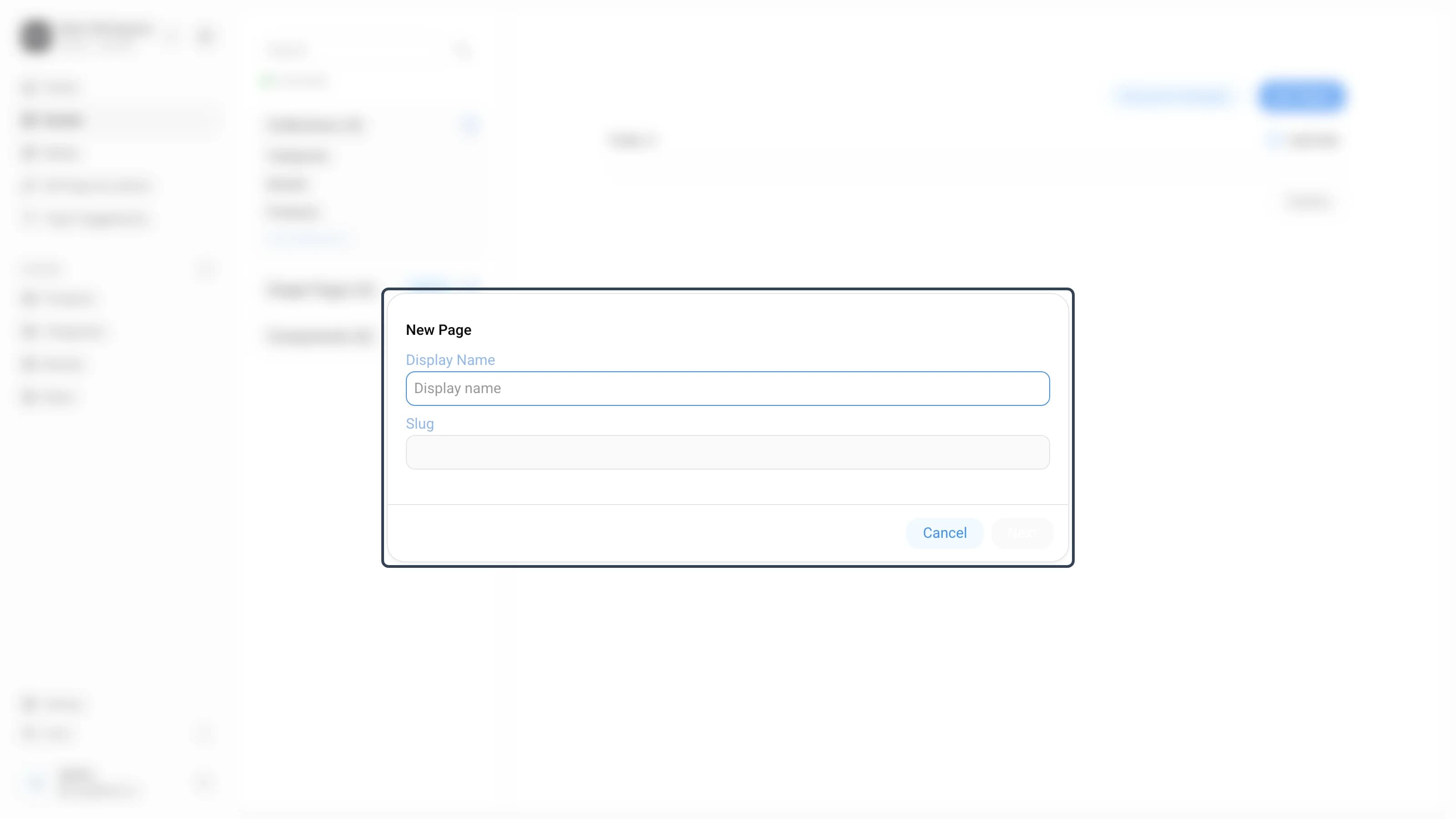
Single pages and components are created the exact same way — click the + next to the Single Pages or Components group, enter a name in the dialog, and edit the schema in the same editor. Single pages are one-off pages (such as About or Contact), while components are reusable field groups meant to be nested inside collections and single pages.
Read more on this topic