Profile
Update your Flexim profile details, avatar, account information, and personal settings from the user menu in the sidebar.
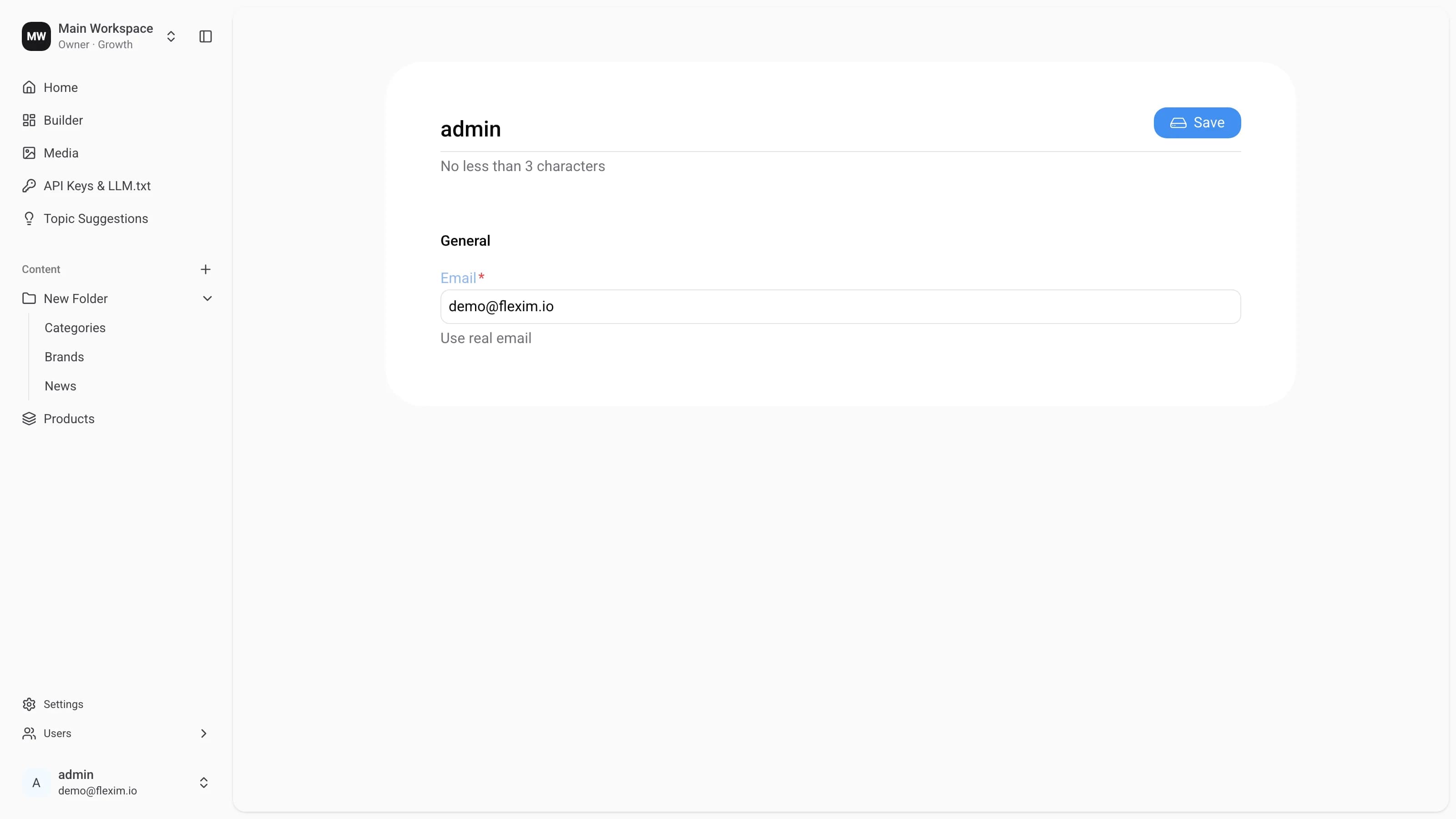
The profile page lets every user manage their own account details. To open it, click your avatar at the bottom of the sidebar and choose Profile.
Two fields are available:
- Name — the display name shown across the workspace. It must be at least 3 characters long.
- Email — the address you use to sign in and receive notifications.
After editing, press Save in the top-right corner to apply your changes.
Changing your email is verified
When you enter a new address, a Change Email button appears next to the field. Flexim sends a confirmation link to your current email, and the new address stays pending until you confirm it — so a mistyped email can't lock you out.
Your role and workspace access are managed by an Admin on the Users page — they can't be edited from your own profile.
Read next topic — API