Media settings
Configure Flexim image quality and adaptive links while preserving raster masters and safely serving sanitized SVG files.
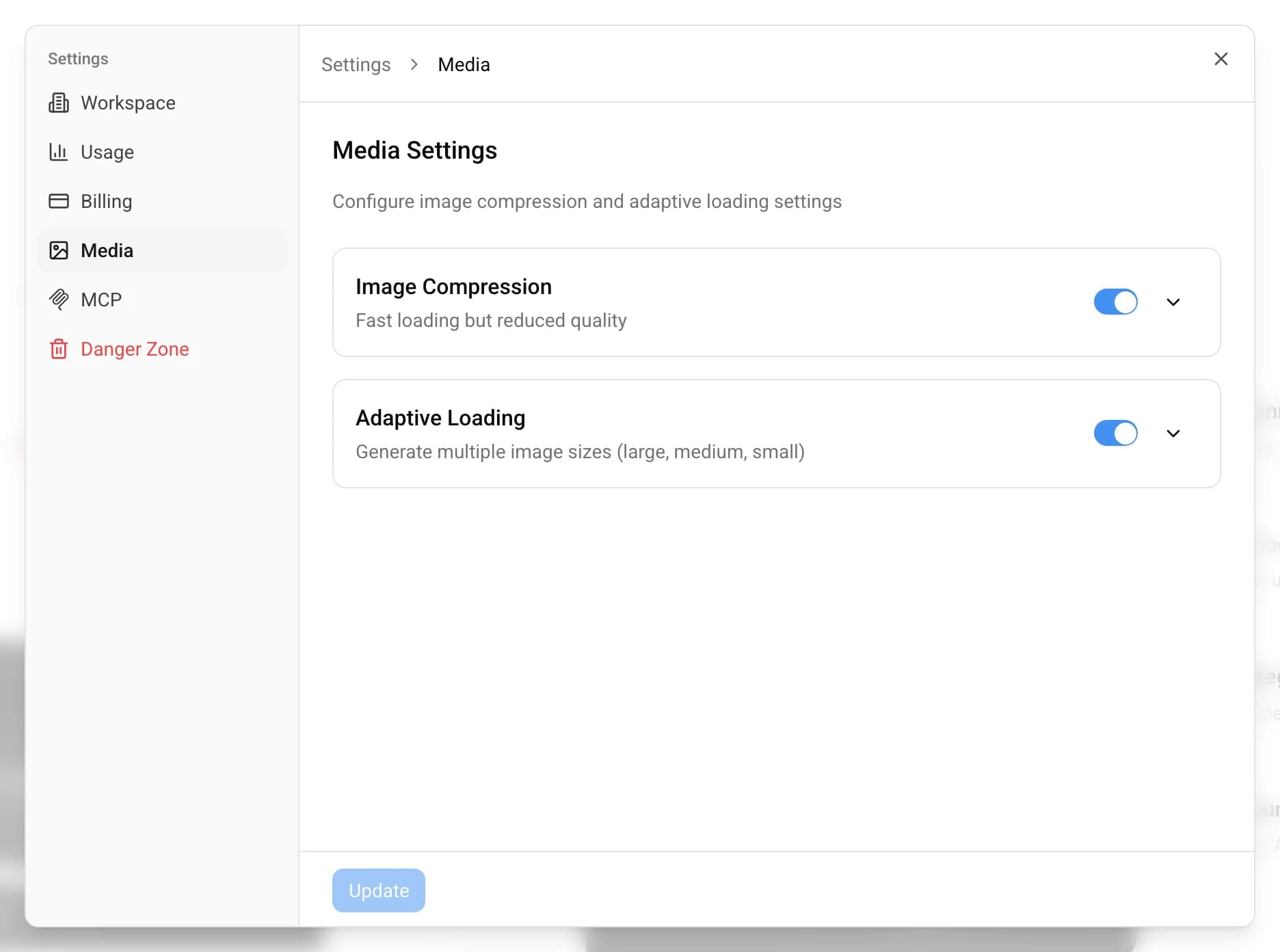
Media settings control the default quality of delivered image variants and whether adaptive image links are exposed. Raster masters are stored exactly as received. SVG files remain vector images after Flexim removes scripts, animation, and external references for safe delivery. To open this screen, click Settings at the bottom of the left sidebar and choose the Media tab.
There are two independent features, each with its own switch:
- Image Delivery Quality — selects the default quality for generated variants. It never recompresses the master.
- Adaptive Loading — exposes responsive delivery links. Variants are generated on demand rather than during upload.
Setting values
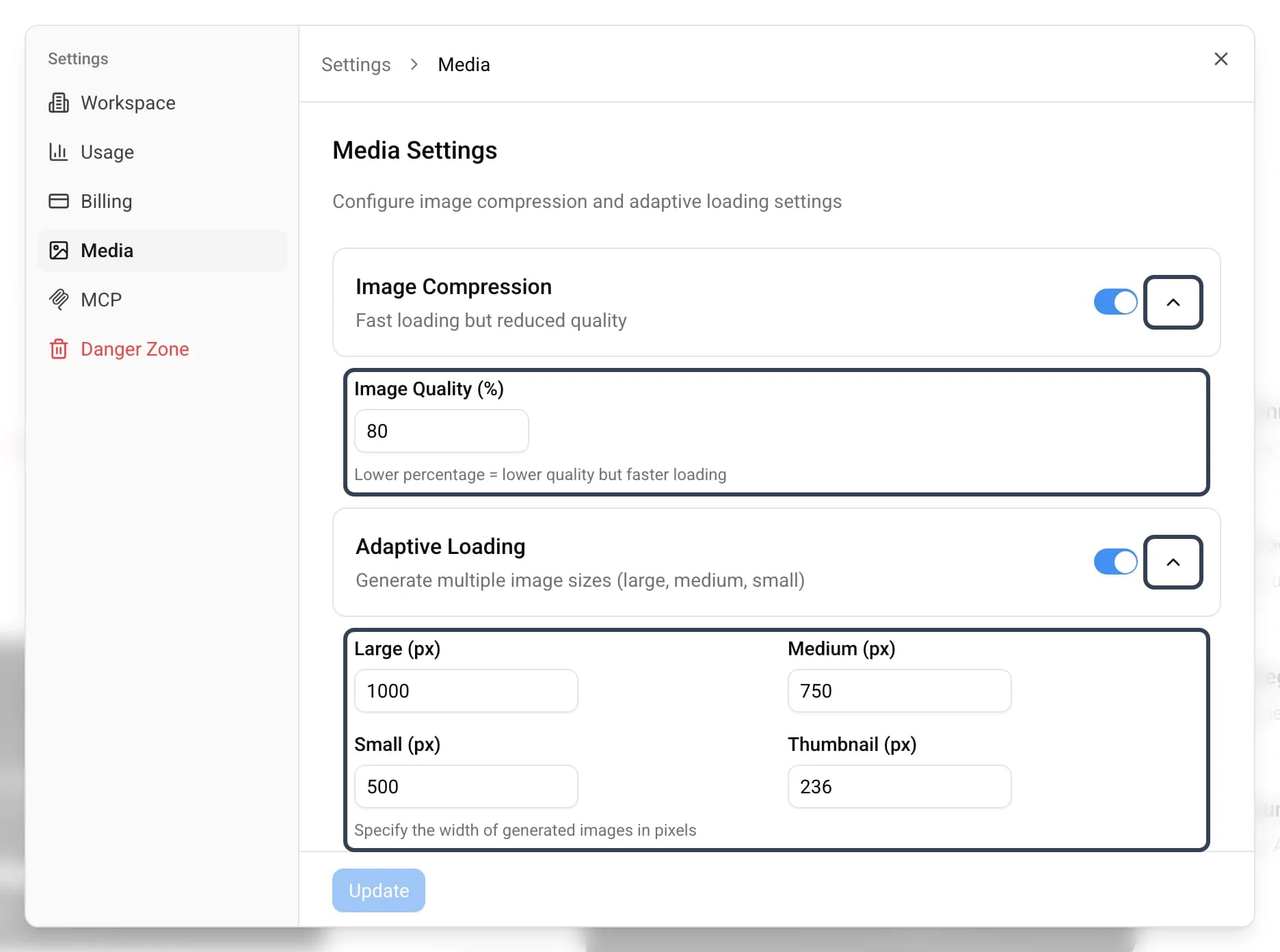
Turn each feature on or off with its switch. Click the chevron on the right of a card to expand its detailed settings. The CMS ships with sensible defaults in every field.
- Default quality — choose
80,90,95, or100. A lower value usually produces a smaller variant. Default:80. Turning the quality feature off uses100. - Large / Medium / Small / Thumbnail (px) — legacy widths
1000,750,500, and236. They remain visible for compatibility but are read-only. Consumers may request any integer width from1to8192; Flexim rounds it up to its supported grid.
Heavy cold variants are generated in the background. The first visitor receives the master immediately, and later requests use the optimized cached variant.
SVG delivery stays vector by default. To generate a resized raster version through the Image Delivery API, request an explicit fm such as webp or avif.
Saving changes
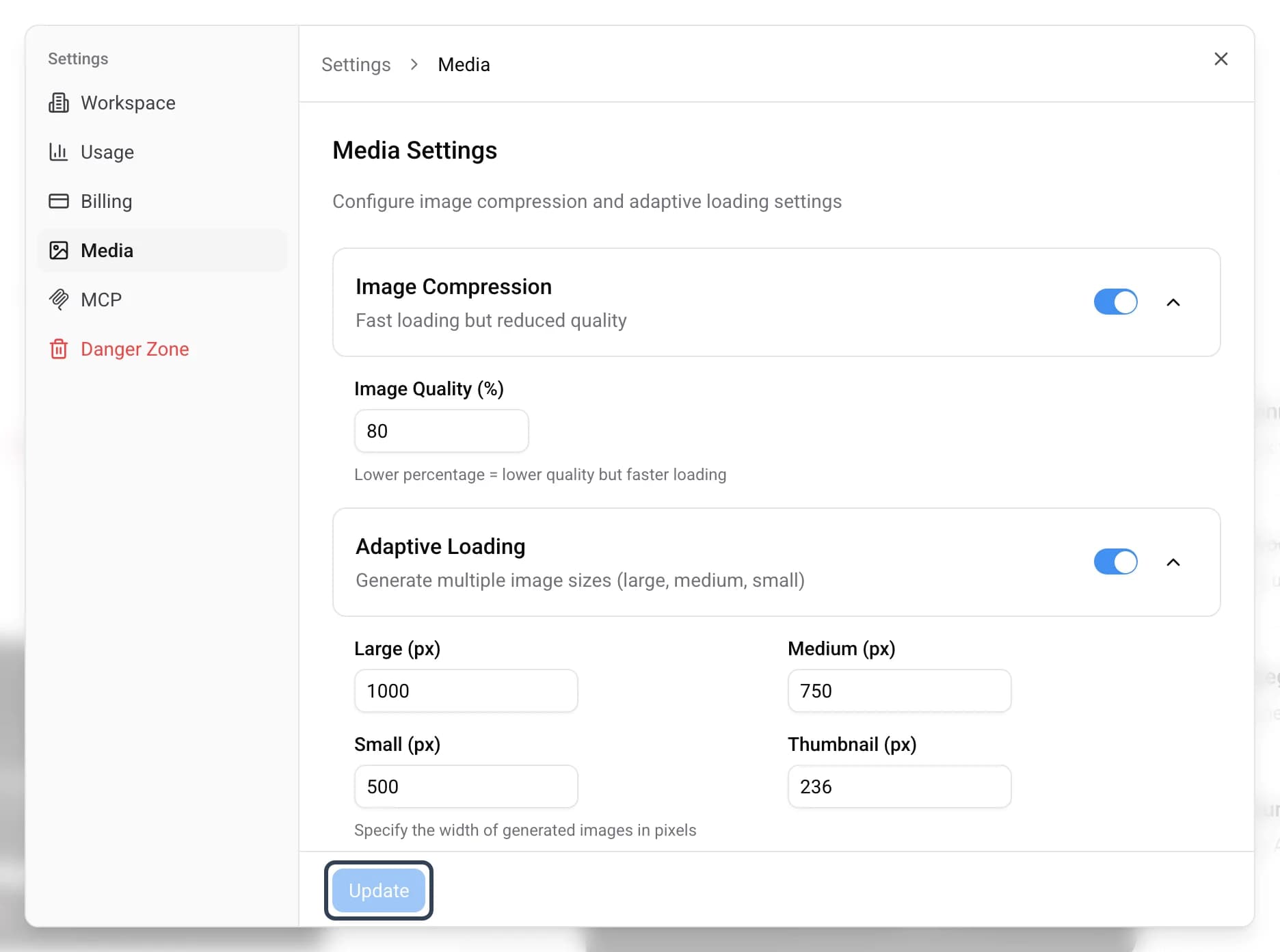
After adjusting the switches and fields, press the Update button to save all changes.
Read more on this topic