Sorting methods
Choose ascending, descending, alphabetical, chronological, and field-specific sorting methods for Flexim collection records.
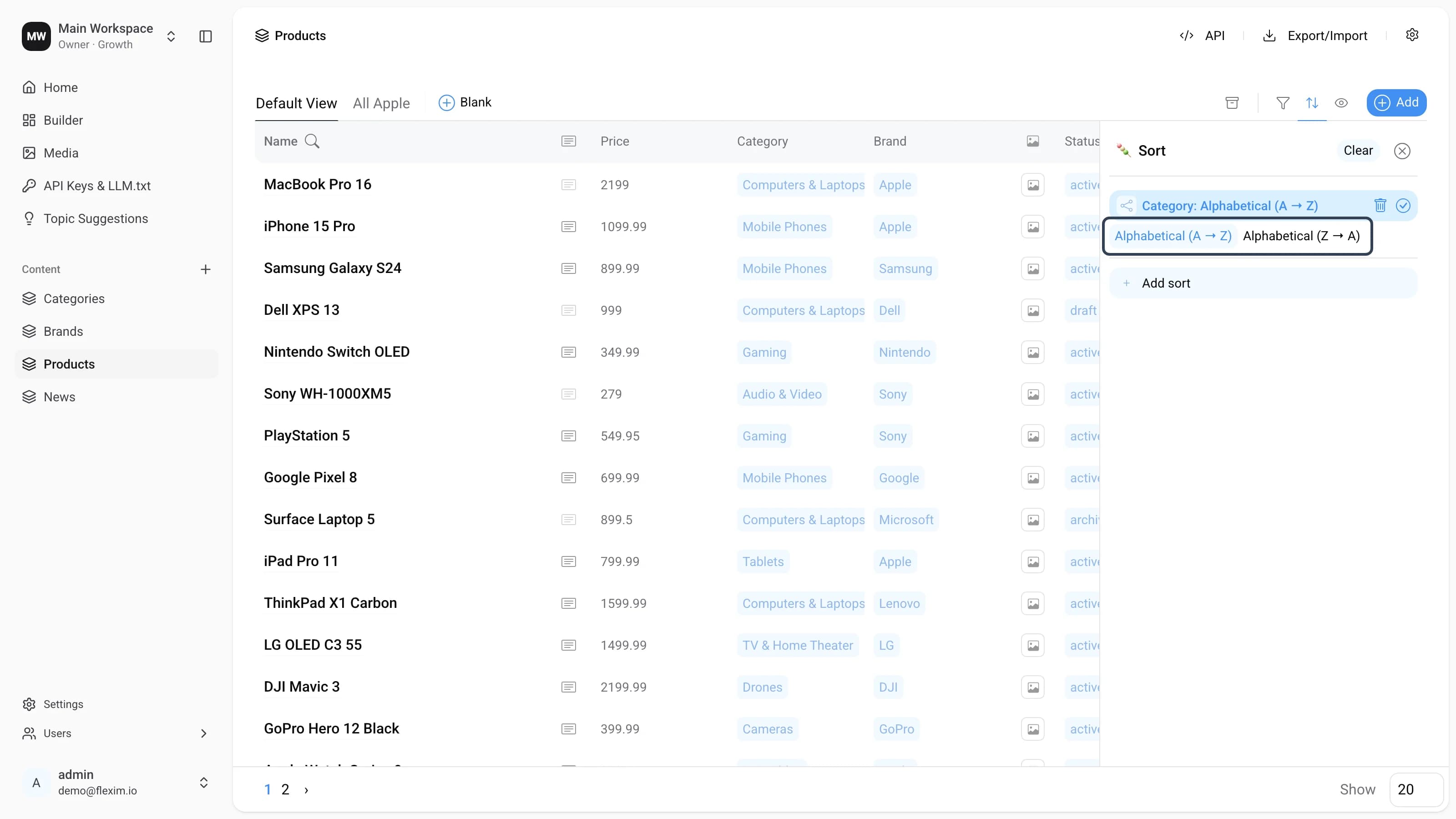
Sorting arranges the records in a collection in a particular order. When you add a sort and pick a field, the record turns into an editing card that offers the sorting methods available for that field's type. The framed control above is that method selector — for the relation field Category it offers Alphabetical (A → Z) and Alphabetical (Z → A). The method options you see depend on the field type.
All methods
| Sorting method | What it does | Field types |
|---|---|---|
| Alphabetical (A → Z), Alphabetical (Z → A) | Orders records by the field value alphabetically — forward (A → Z) or reversed (Z → A). | Text, Select, Relation, Email, Auto Generate (slug) |
| Ascending, Descending | Orders records by numeric value — from smallest to largest (Ascending) or largest to smallest (Descending). Records with an empty value come last. | Number |
| True first, False first | Orders records by boolean value. True first shows records whose value is true before those set to false; empty values come last. | Boolean |
| Filled first, Empty first | Orders records by whether the field has content. Filled first shows records that have a value before the empty ones. | Image |
Which method applies to a field
The field picker in the Sort panel lists every field of the collection, so any field can be used to sort. You don't choose the method family yourself — Flexim picks it from the field's type and shows the two matching directions:
- Text, Select, Relation, Email, Auto Generate — Alphabetical (A → Z) / (Z → A).
- Number — Ascending / Descending.
- Boolean — True first / False first.
- Image — Filled first / Empty first.
When you add a new sort, the first direction of the matching method is selected by default. Combine several sorts to build multi-level ordering — see Sorting.
Read more on this topic